


League of LegendsLeague of Legends

179 online

[Tip] How to see the tier graph that disappeared from OP.GG in Season 9

39,868 views3 comments1 upvote
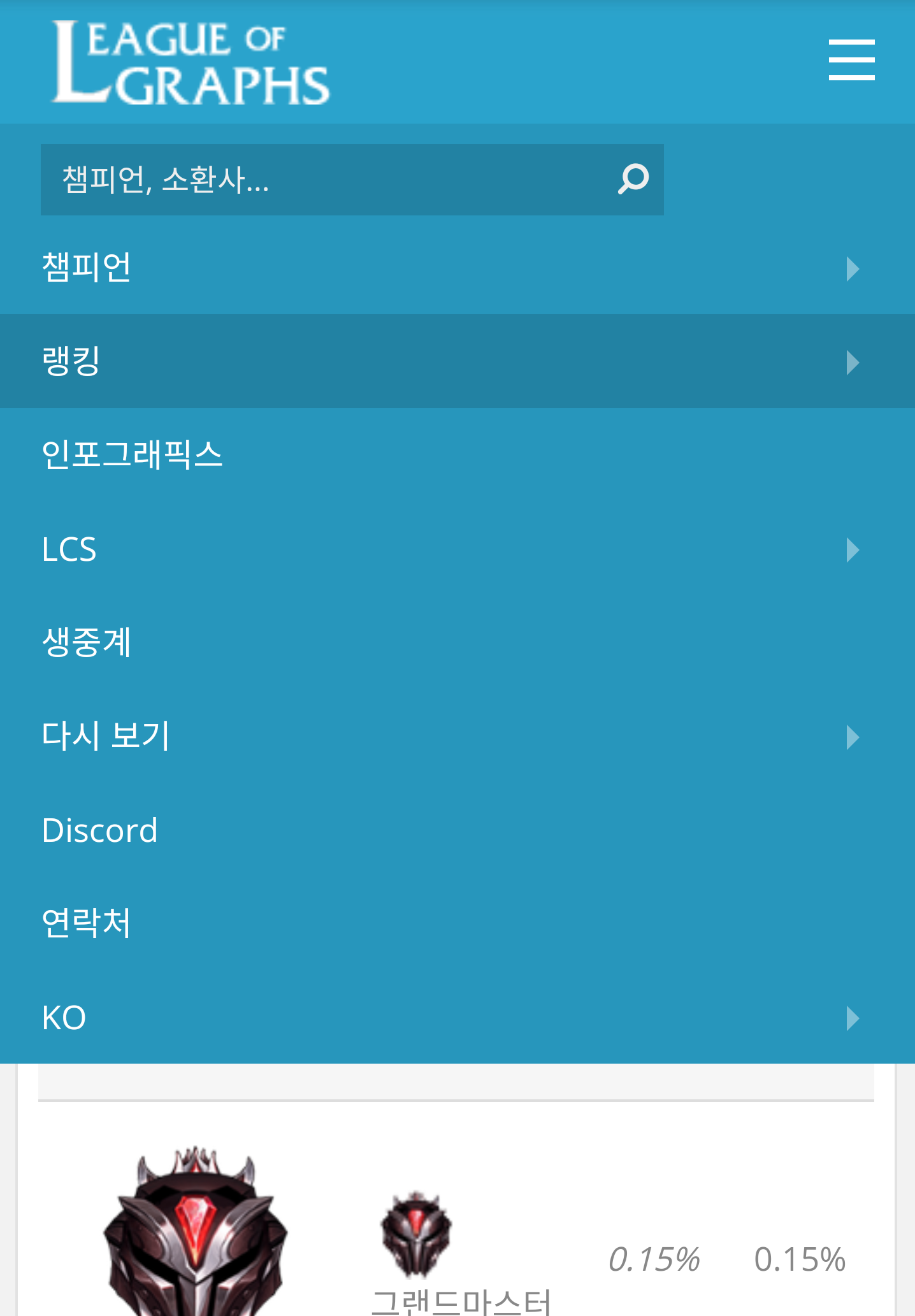
  1. Go to https://www.leagueofgraphs.com Screenshot_2019-02-16-11-56-24-1-1.png

  2. Click the hamburger menu (3 lines) at the top right Screenshot_2019-02-16-11-56-33-1-1.png

  3. Enter your summoner name in the search bar and hit search Screenshot_2019-02-16-11-57-59-1.png

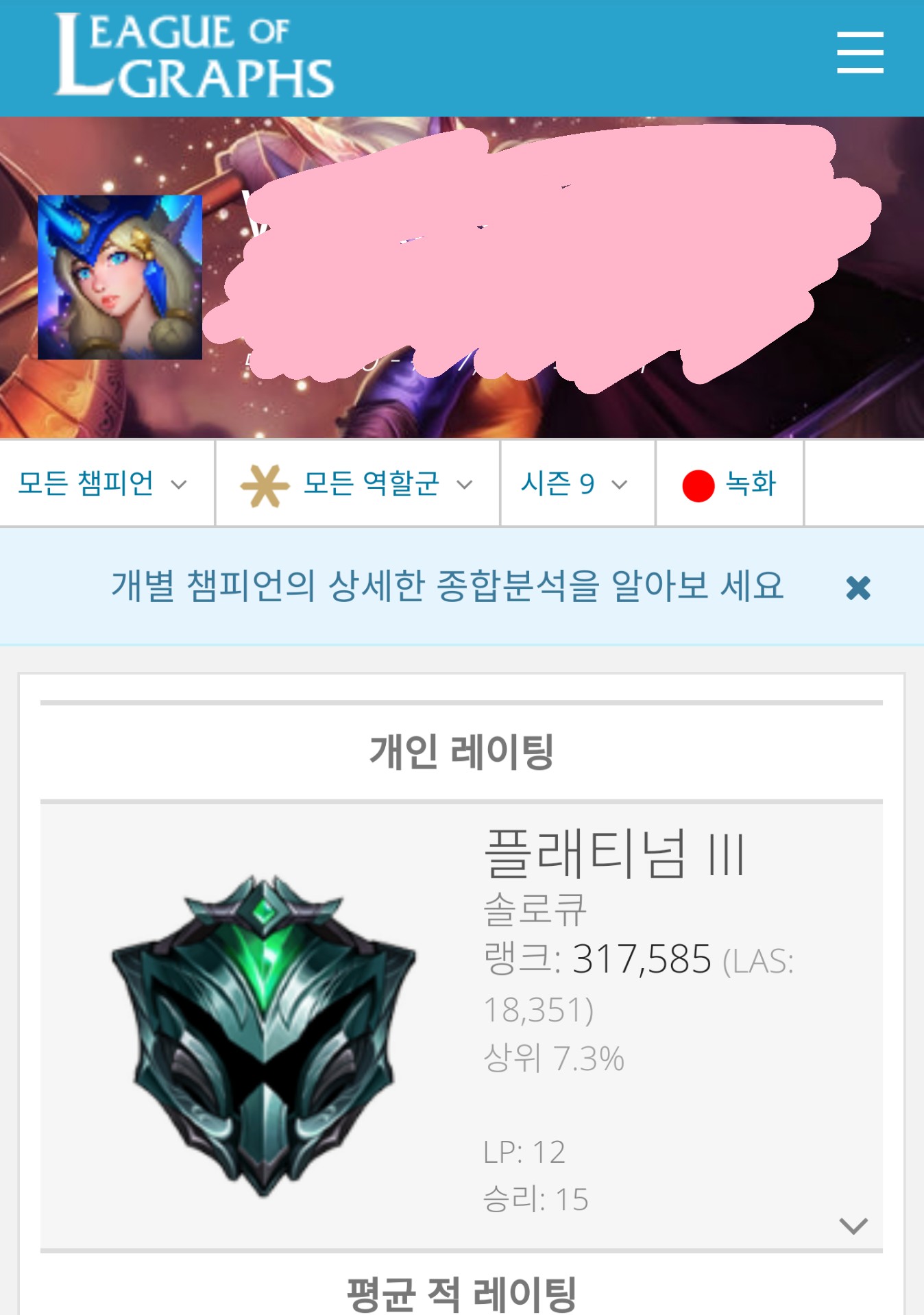
  4. Select your server and click it — you'll be taken to that account's stats page IMG_20190216_2-1.jpg

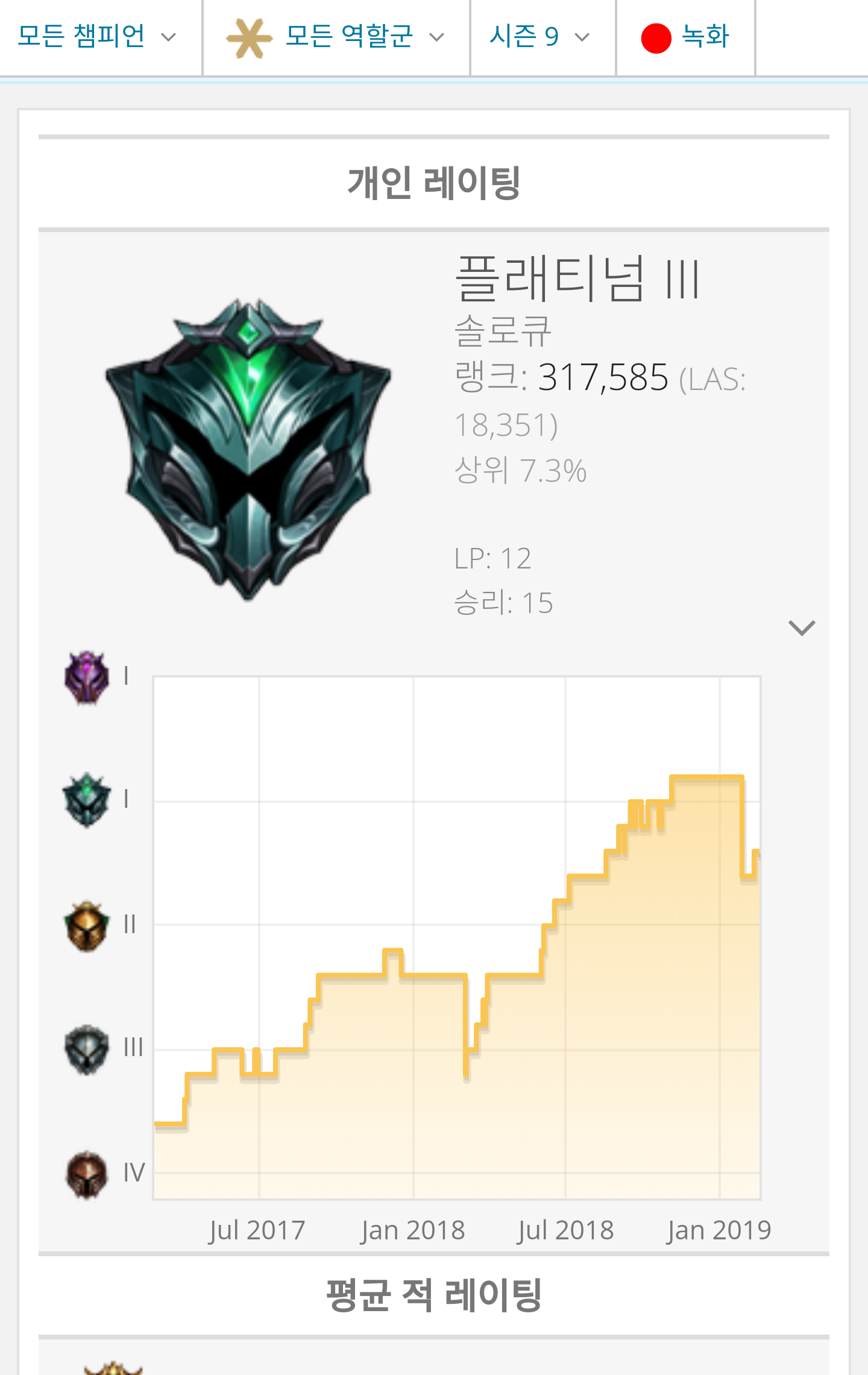
  5. In the section labeled "Personal Rating," click the ∨ button at the bottom right Screenshot_2019-02-16-11-57-07-1.png

Then you can see your account's tier graph like this.

It doesn't seem to let you zoom in/out by day/week/month like OP.GG does, but it has the advantage of showing all your past season records too, which you can't see on OP.GG.

Since OP.GG removed the tier graph anyway, you'll have to use this if you want to see one.

Hope everyone finds it useful.

3 comments
  1. 0
    Level 13트위치장인

    Why is everything showing up in English for me?

    More
    Reply 1
    1. 뭐래너나잘해OP

      You can change the language to Korean

      More